
 Article
October 14, 2026
6 min read
 FirstConnectt
Enterprise communication insights
FirstConnectt
Enterprise communication insights
Article · FirstConnectt Insights
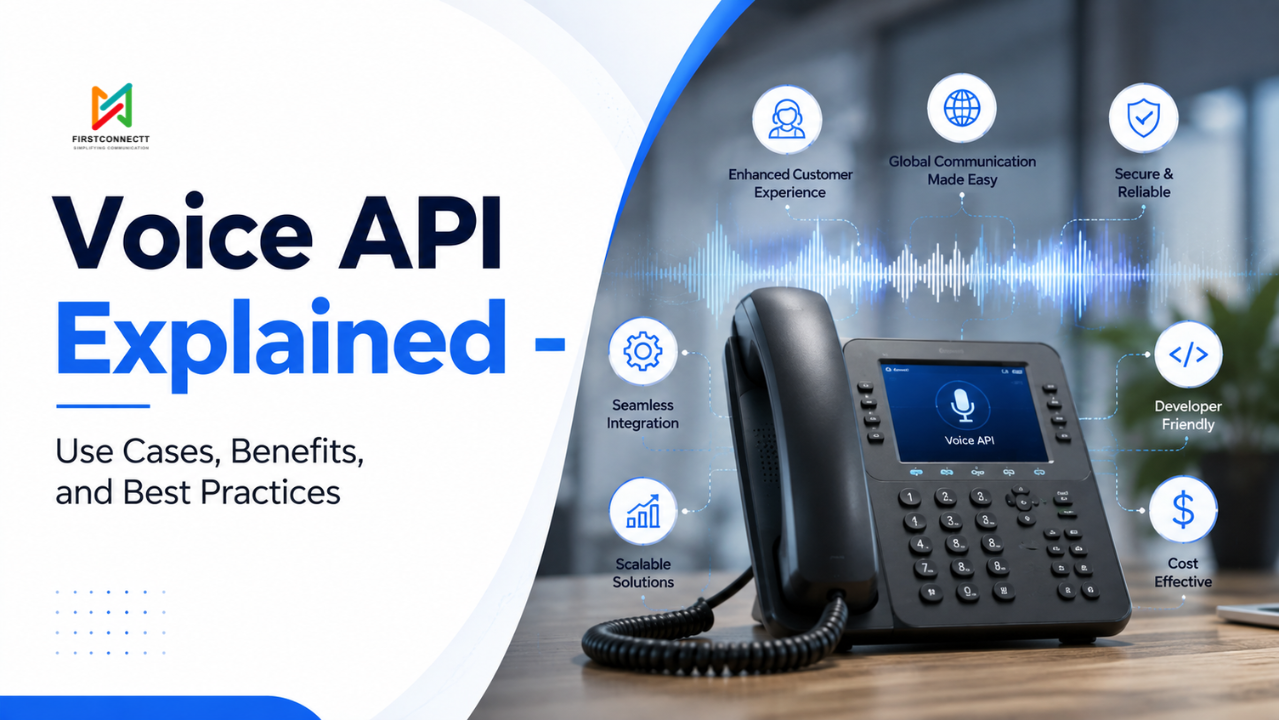
Voice has quietly become one of the most powerful ways businesses connect with customers. Whether it’s a customer calling a support line, receiving an automated appointment reminder, or speaking to an AI-powered virtual assistant, there’s a good chance a Voice API is working behind the scenes.
The shift isn’t just about convenience. Customers expect businesses to be available across channels, respond instantly, and deliver personalized experiences. While messaging platforms have transformed text-based communication, voice continues to play a critical role in situations where speed, clarity, and human interaction matter most.
If your business relies on customer communication, understanding how Voice APIs work can help you build smarter experiences while reducing operational costs.
A Voice API (Application Programming Interface) enables developers to integrate voice calling capabilities directly into websites, mobile applications, CRMs, contact centers, and business software.
Instead of relying on traditional phone systems, businesses can use cloud-based APIs to make, receive, manage, and automate voice calls through software.
Think of it as a bridge between your application and global telecommunication networks. With FirstConnectt this connectivity turns into practical customer experiences seamlessly. Their programmable Voice solutions can integrate with existing business workflows and communication systems.
Using a Voice API, applications can:
Rather than purchasing expensive PBX hardware, businesses can create scalable communication systems using simple API integrations.
Although the technology behind Voice APIs is sophisticated, the workflow is surprisingly straightforward.
A typical voice communication flow looks like this:
The entire process happens in seconds, creating a seamless experience for both businesses and customers. The real value comes from what happens around the call. FirstConnectt helps businesses connect Voice with automation, routing, analytics, and other communication channels to create smoother customer journeys.
Modern Voice APIs provide far more than basic calling functionality.
Allow customers to reach your business through local, toll-free, or international numbers.
Automatically place calls for:
From appointment reminders to payment notifications, FirstConnectt can help businesses automate outbound Voice communication while keeping critical customer updates timely and consistent.
Create self-service menus where callers can choose options using voice or keypad inputs. For example:
Press 1 for Sales
Press 2 for Customer Support
Press 3 for Billing
This reduces agent workload while directing callers more efficiently.
Automatically connect customers to the most appropriate department based on:
Store conversations securely for:
Convert spoken words into text, enabling automated workflows and intelligent customer interactions.
Generate natural-sounding voice responses dynamically without pre-recording audio.
Track important metrics like:
Voice APIs have become essential across virtually every industry.
Support teams can automate call routing, reduce wait times, and quickly connect customers with the right agents.
Example: A customer calling about a billing issue is immediately routed to the finance support team instead of navigating multiple transfers.
According to research, ~ 81% of service professionals say customers expect faster reply times than they did a year ago.
This makes speed and intelligent routing important parts of modern Voice infrastructure, areas where platforms such as FirstConnectt can help businesses improve customer access.
Hospitals and clinics use Voice APIs for:
This reduces missed appointments while improving patient engagement.
Banks rely on secure voice communication for:
Voice remains especially valuable for urgent or high-value notifications.
Online retailers automate:
Customers receive timely updates without needing to contact support.
Delivery companies use Voice APIs to notify recipients about:
Educational institutions automate:
Airlines and hotels leverage Voice APIs for:
Customers receive faster, more personalized communication without navigating long wait times.
Immediate assistance often leads to higher customer satisfaction.
Automating repetitive voice interactions reduces the need for large support teams.
Businesses can allocate human agents to complex conversations that truly require personal attention.
Cloud-based Voice APIs make it easy to expand internationally without investing in local telecom infrastructure.
Adding new regions often requires only software configuration.
Modern Voice API providers offer:
This ensures consistent communication even during peak traffic.
Voice APIs integrate with existing tools like:
This creates a unified communication ecosystem.
However, choosing a Voice provider should therefore involve more than call quality. Integration capabilities, APIs, routing, analytics, scalability, and support can determine how effectively Voice fits into existing operations.
FirstConnectt helps businesses evaluate Voice as part of a broader communication ecosystem rather than treating it as an isolated calling tool.
Businesses gain insights into customer interactions, helping improve service quality and optimize workflows.
Imagine a healthcare clinic managing thousands of appointments every month.
Instead of relying on staff to call every patient manually, the clinic automates reminders through a Voice API.
Patients receive a personalized call.
If they confirm, the appointment remains scheduled.
If they cancel, the system immediately updates the calendar and offers the slot to another patient.
The result?
| Feature | Voice API | Traditional Phone System |
| Cloud-Based | Yes | Usually No |
| Scalability | Excellent | Limited |
| Automation | Extensive | Minimal |
| Integration | Easy | Difficult |
| Global Reach | High | Limited |
| Analytics | Advanced | Basic |
| Maintenance | Low | High |
| Deployment | Fast | Slow |
For modern businesses, Voice APIs provide greater flexibility and significantly lower infrastructure costs.
Despite the advantages, Voice APIs aren’t without challenges.
Poor internet connectivity can impact Voice over IP (VoIP) performance.
Choosing reliable providers and optimizing network infrastructure helps minimize issues.
Different countries have unique regulations around:
Businesses should ensure compliance before deployment.
Voice communication carries sensitive information.
Implement:
to protect customer data.
While APIs simplify communication, integrating them into legacy systems may require technical expertise. Planning integrations early helps avoid costly redesigns later.
This is where an experienced communication partner can reduce implementation friction. FirstConnectt can help businesses think through integrations, workflows, scalability, and the practical requirements of enterprise Voice deployments.
Businesses achieve better results when implementation goes beyond simply enabling voice calls.
Start with the customer experience rather than the technology.
Ask:
Long IVR menus frustrate callers.
Limit options and make it easy to reach a live representative when necessary.
Use CRM data to greet callers by name, reference previous interactions, or route them to their assigned account manager.
Personalization builds trust.
Review performance metrics such as:
Small improvements often create meaningful business outcomes.
Prepare for seasonal spikes by implementing intelligent call routing and automated responses. Scalable cloud infrastructure helps maintain service quality during demand surges.
Voice communication should be treated with the same level of protection as financial transactions. Regular security reviews reduce business risk.
Many organizations underutilize Voice APIs because of preventable mistakes. Avoid:
Technology alone cannot create exceptional customer experiences. The strategy behind it matters just as much.
Voice communication continues to evolve alongside broader digital transformation efforts.
Emerging trends include:
Businesses that embrace these innovations will be better positioned to deliver faster, more personalized customer experiences.
A Voice API is a software interface that enables applications to make, receive, manage, and automate voice calls through cloud-based communication platforms.
A Voice API connects an application to telecommunication networks, allowing developers to programmatically control voice calls, routing, recording, IVR, and related features.
Key benefits include improved customer experience, automation, scalability, lower communication costs, advanced analytics, and seamless integration with business systems.
Yes, when implemented correctly with encryption, authentication, access controls, and compliance with applicable regulations.
Healthcare, banking, retail, logistics, education, travel, government services, insurance, and customer support organizations all use Voice APIs extensively.
Voice communication remains one of the fastest and most trusted ways for businesses to connect with customers. A well-implemented Voice API transforms ordinary phone calls into intelligent, scalable, and data-driven interactions that improve both customer satisfaction and operational efficiency.
Whether you’re building a customer support platform, automating appointment reminders, streamlining logistics updates, or enhancing contact center operations, Voice APIs provide the flexibility to create communication experiences that grow alongside your business.
The greatest value doesn’t come from replacing human conversations. It comes from making every conversation more efficient, more relevant, and easier to guide customers. And FirstConnectt helps businesses build those connected experiences at scale.
Looking to make your business calls smarter and more connected? Explore how FirstConnectt can help you build a Voice communication strategy around your customer journey.
Share this article
Article
 Article
 Article
Ready to put these ideas to work? Talk to our team about your communication stack.
Get Started →